OVERVIEW
Design a dashboard website for busy Property Managers in order to easily keep track of all of their apartment buildings
CLIENT
RentChirp
ROLE
UX/UI Designer
TIME FRAME
2.5 weeks
About RentChirp
RentChirp is a start-up company located in the Bay Area. They help people find affordable apartments by creating property listings gained from data and analytics.
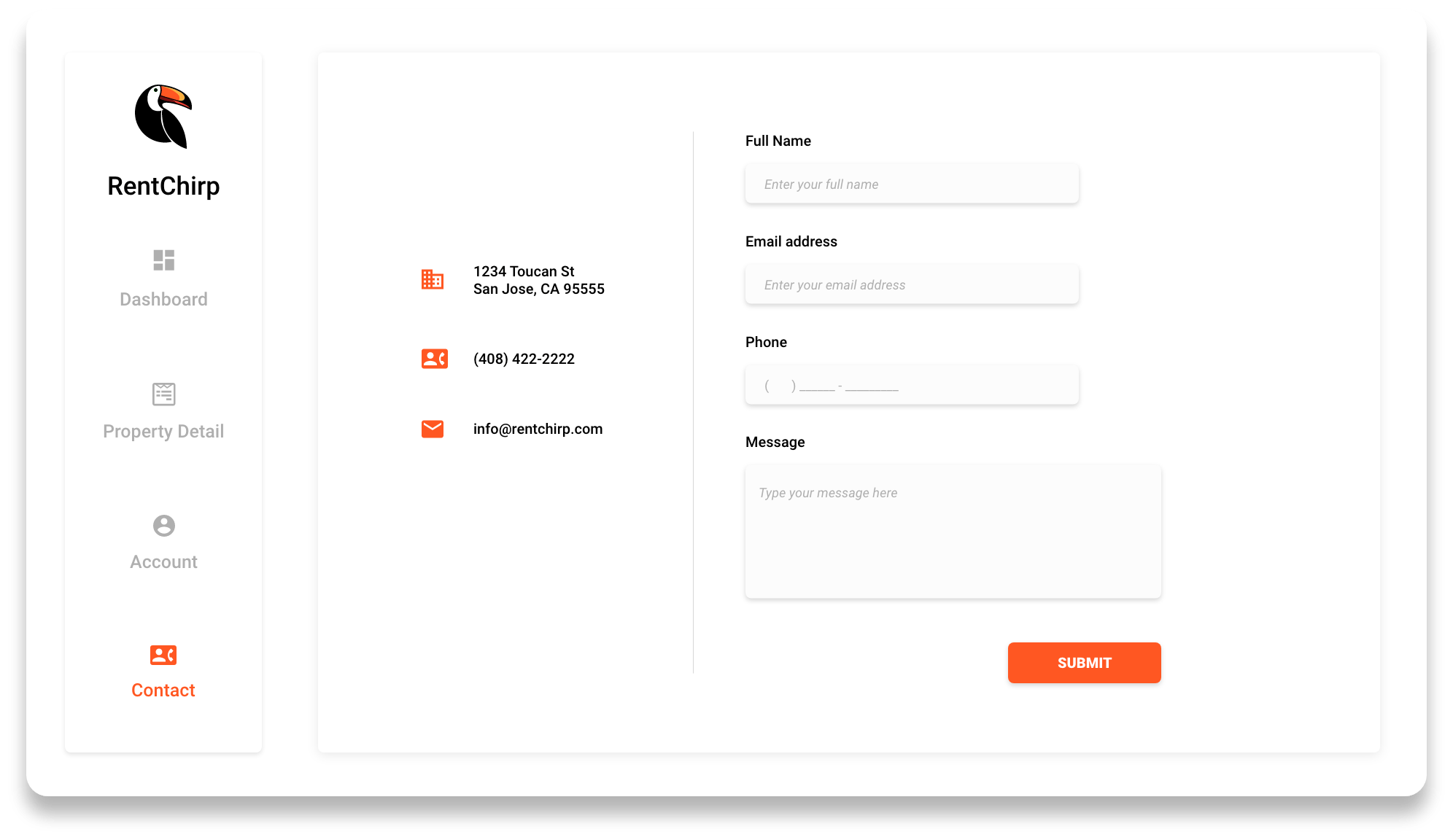
During my Internship with RentChirp, I was responsible for designing a property management portal. A website dashboard for Property Managers to keep track of all the properties they have for rent. RentChirp's Co-Founder's wanted something aesthetically pleasing, clean, and easy to navigate.

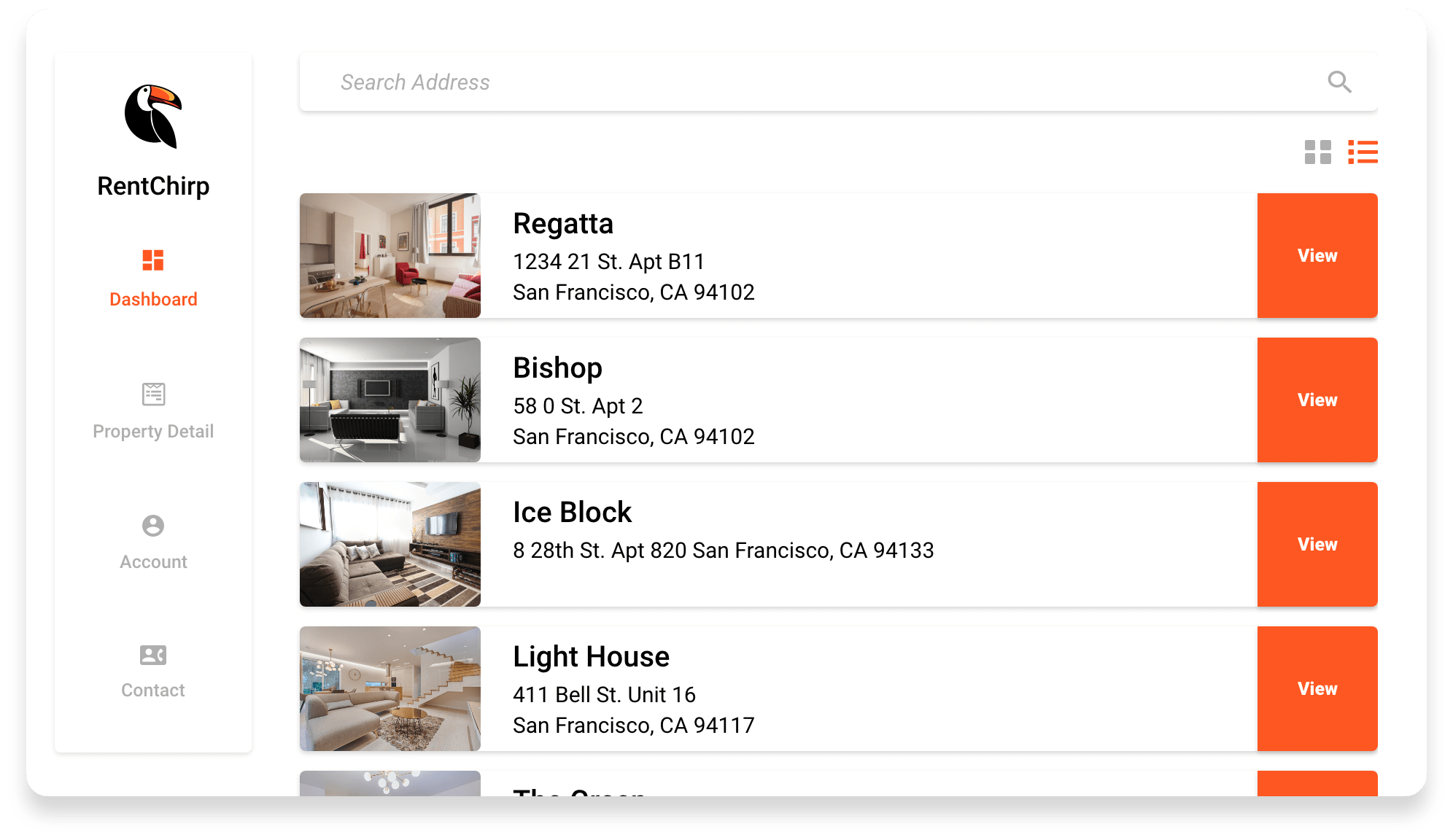
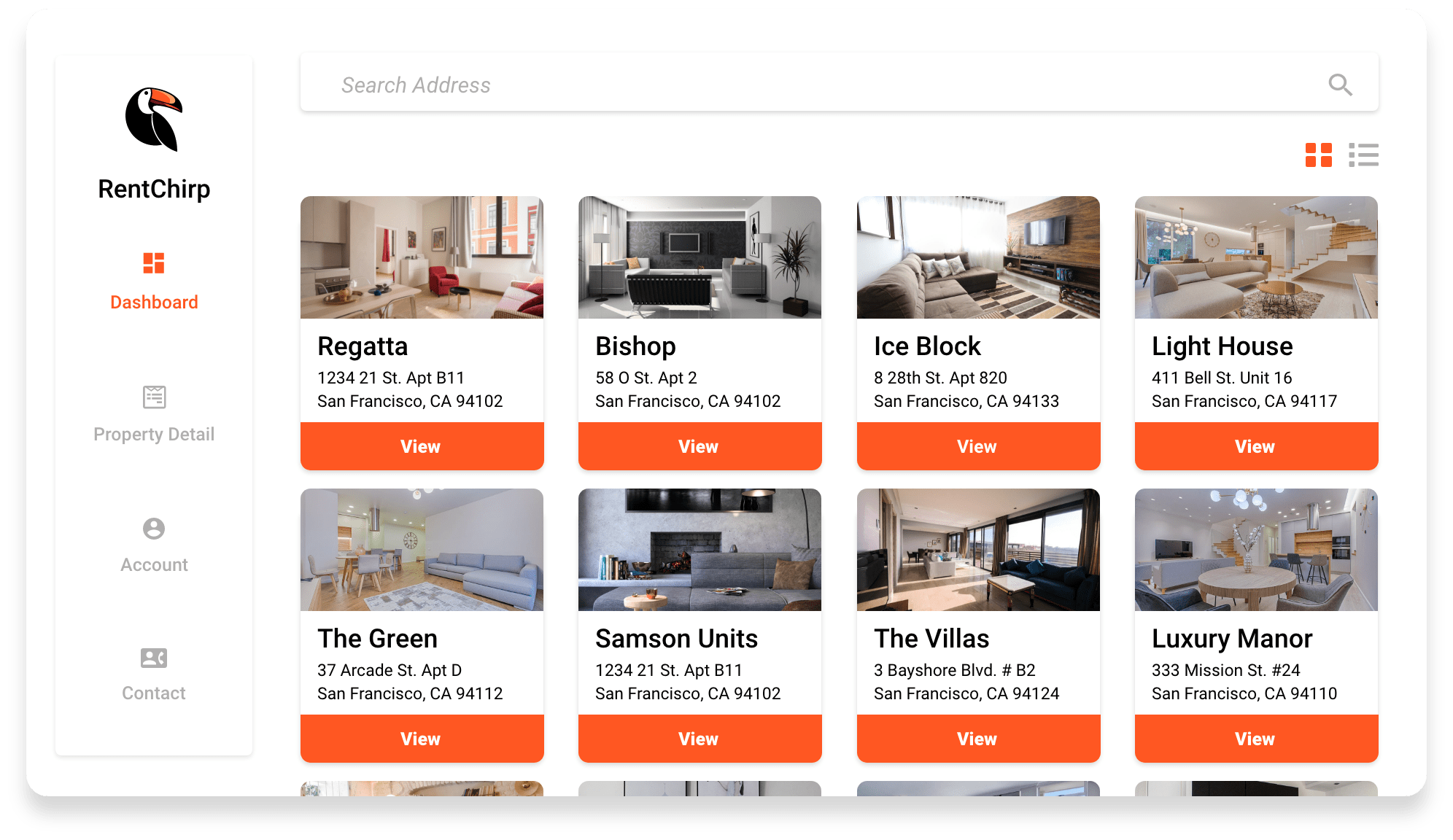
One of RentChirp's business goals is to make things easy and simple for Property Managers. Knowing that property managers have a variety of units in RentChirp's database, it is important to have an option to view their properties in a list or thumbnail view for easy browsing.
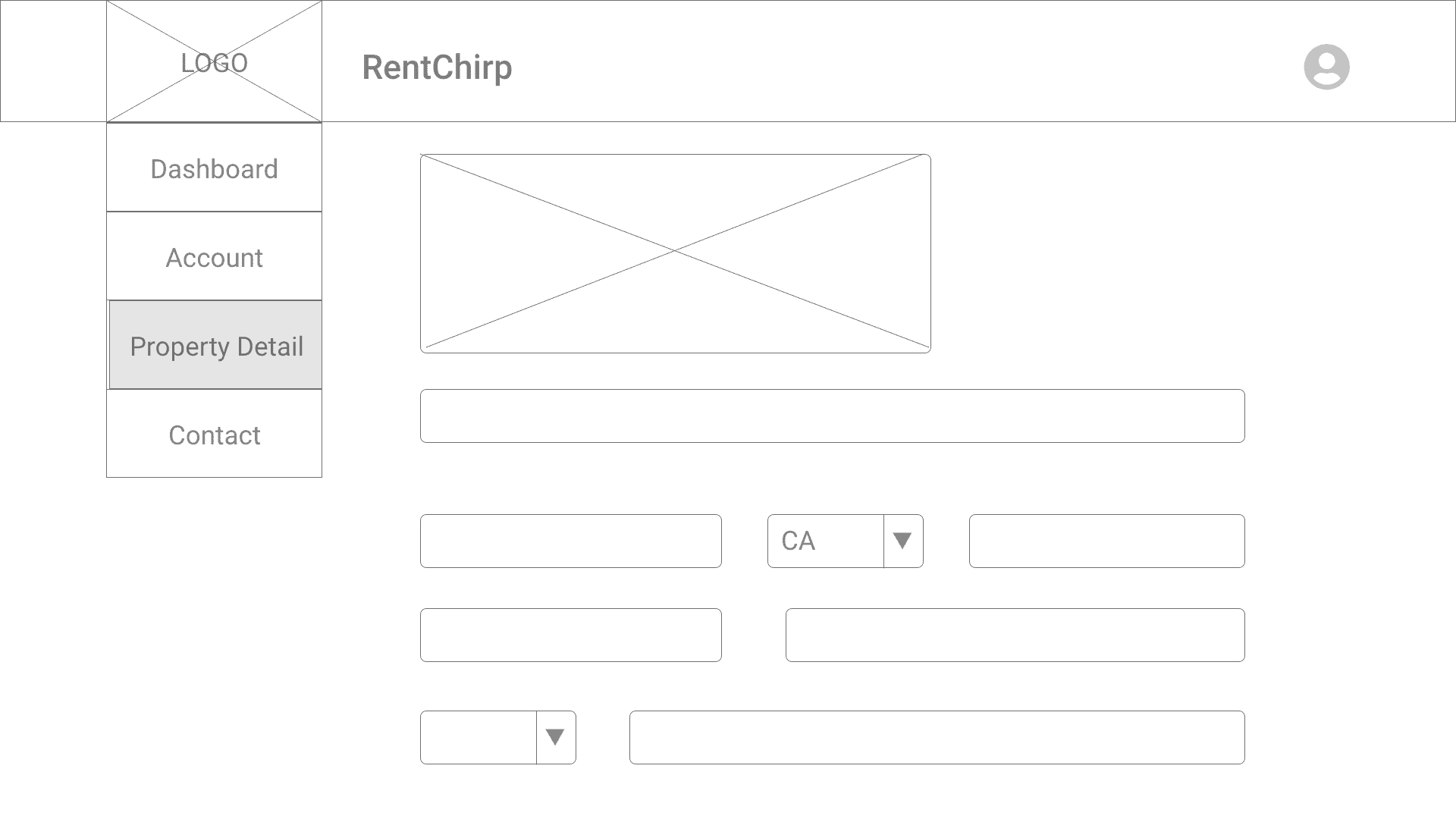
Here is my first iteration of my low-fidelity and mid-fidelity for the dashboard property details.

I had a few iterations with the input text fields and It finally came down to this final mockup. Property Managers can tab to the next field for ease of use. For Preferred Contact, I went with a checkbox option instead of a drop-down since it only contains 2 choices.
Property Managers often have different hours of operation. Especially with the Pandemic, numerous places are open and closed at certain times during the day/night. Giving the user the option to customize their hours and days with an included space for holidays or COVID- 19 custom hours will benefit their clients to get updated hours of operations.
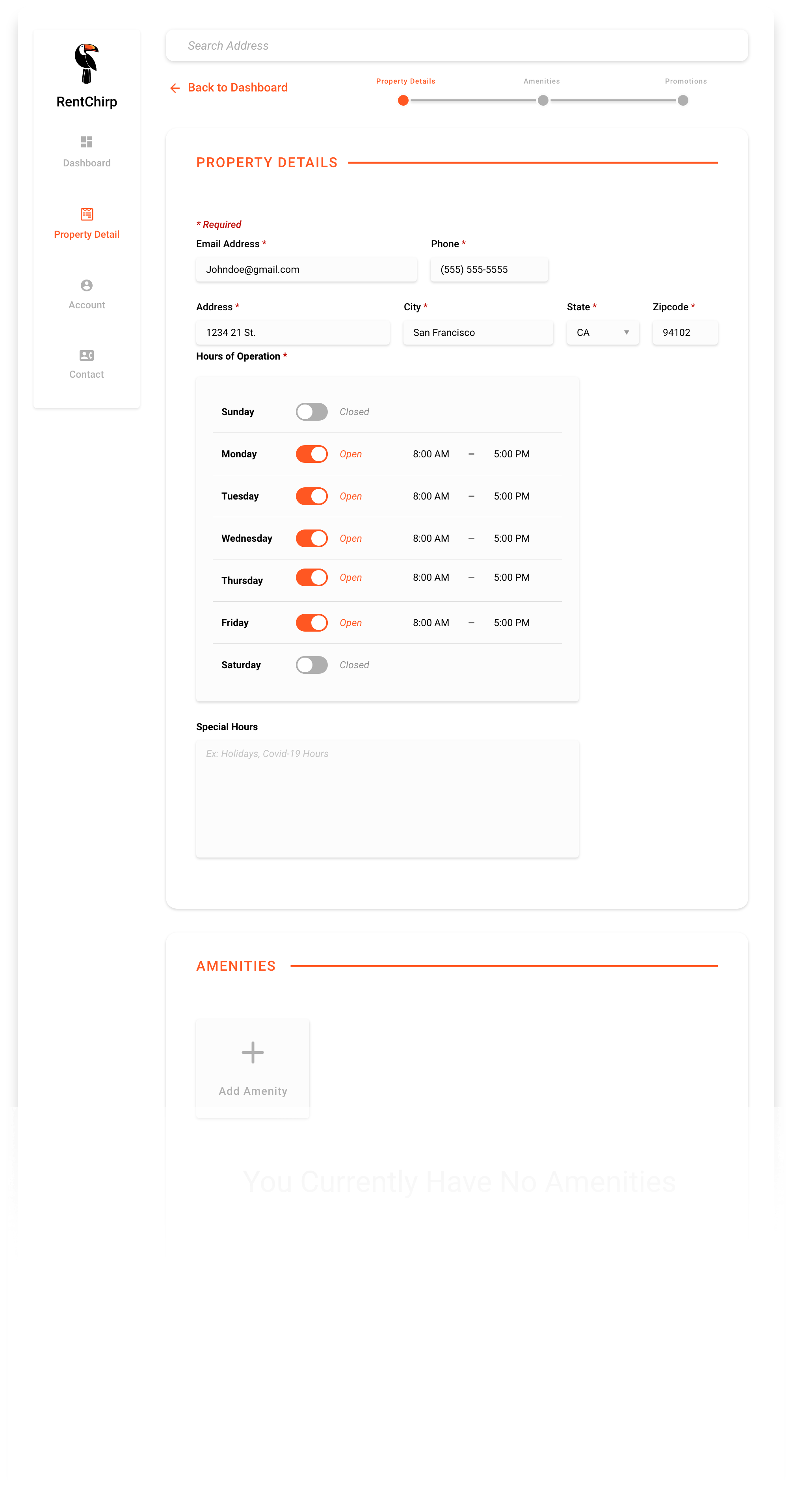

I deleted the progress bar and created a "Save and Continue" button instead, for a cleaner look. In addition, I changed the look of the headers as well to emphasize and add some pop.
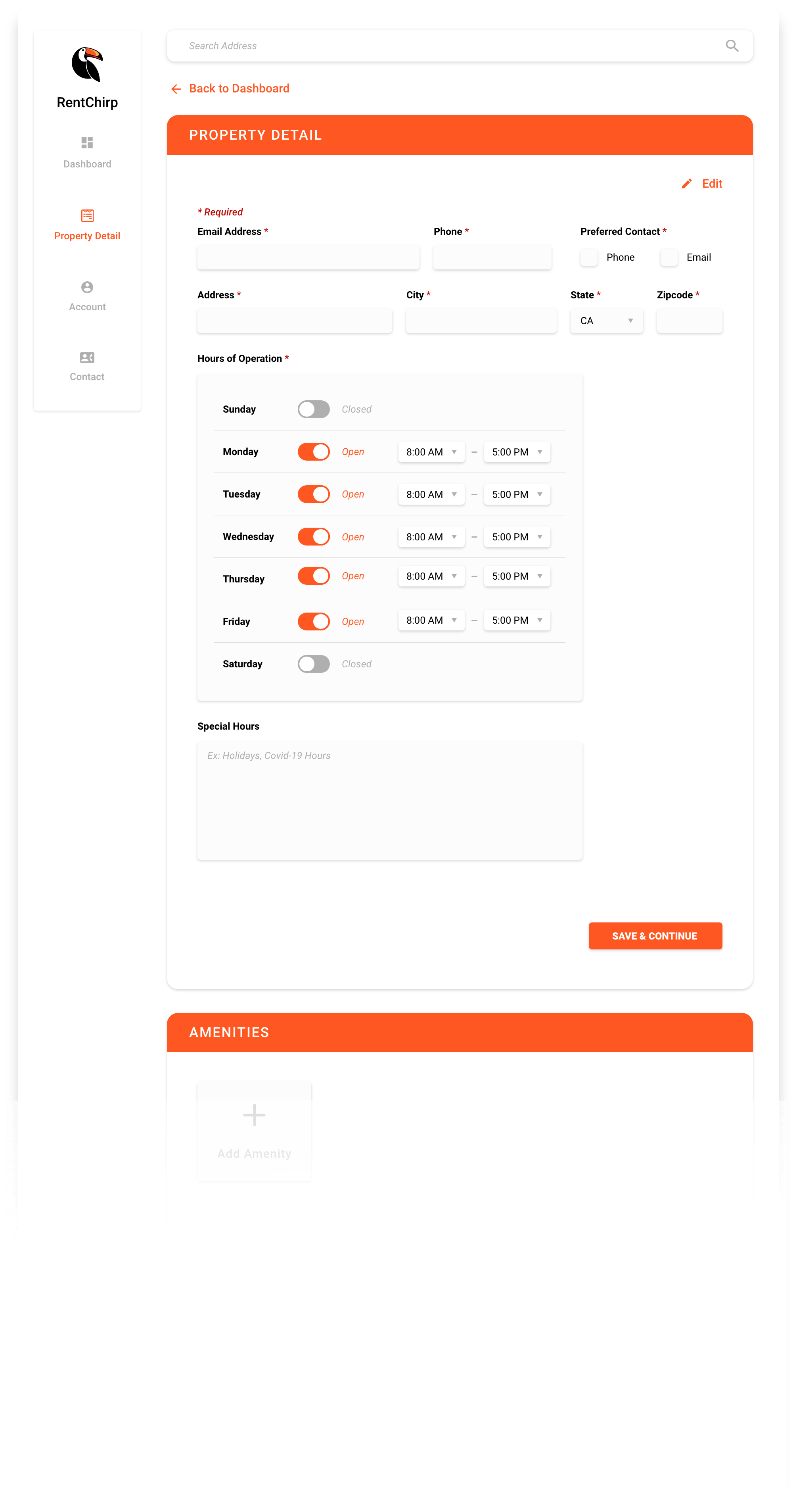

This became the final design for the main dashboard.
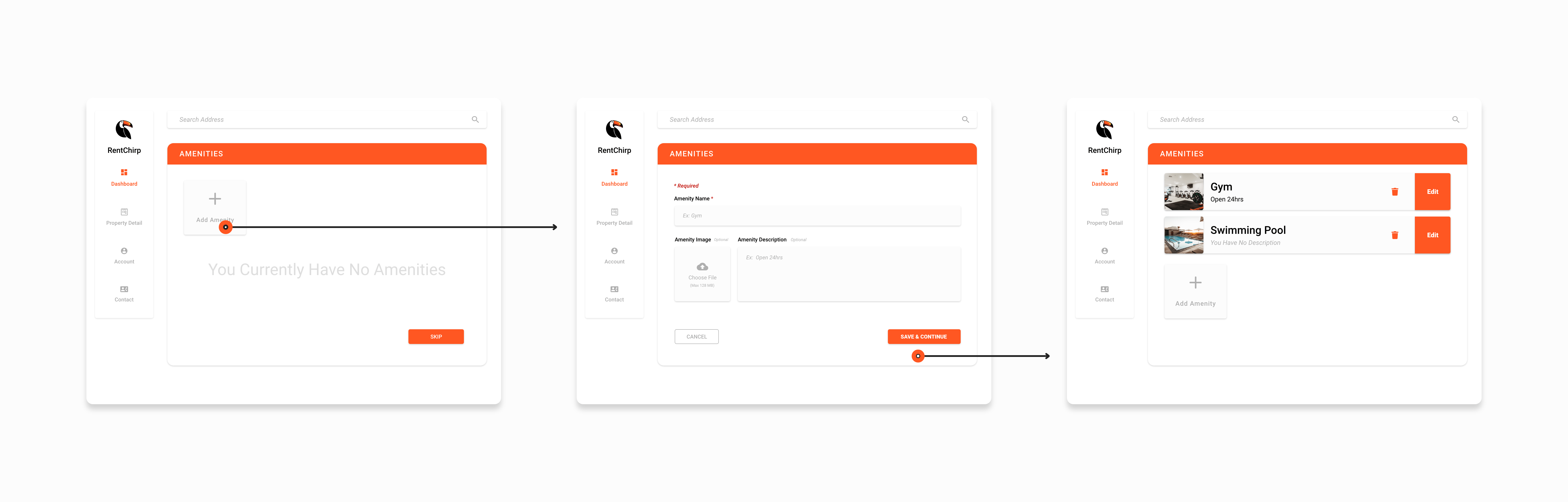
After clicking save and continue in the property detail screen, it will drop down to the amenities section to ensure property managers don't forget this part of the form. I wanted to make sure Property Managers encounter a smooth process throughout their entire experience while adding their hundreds of properties.


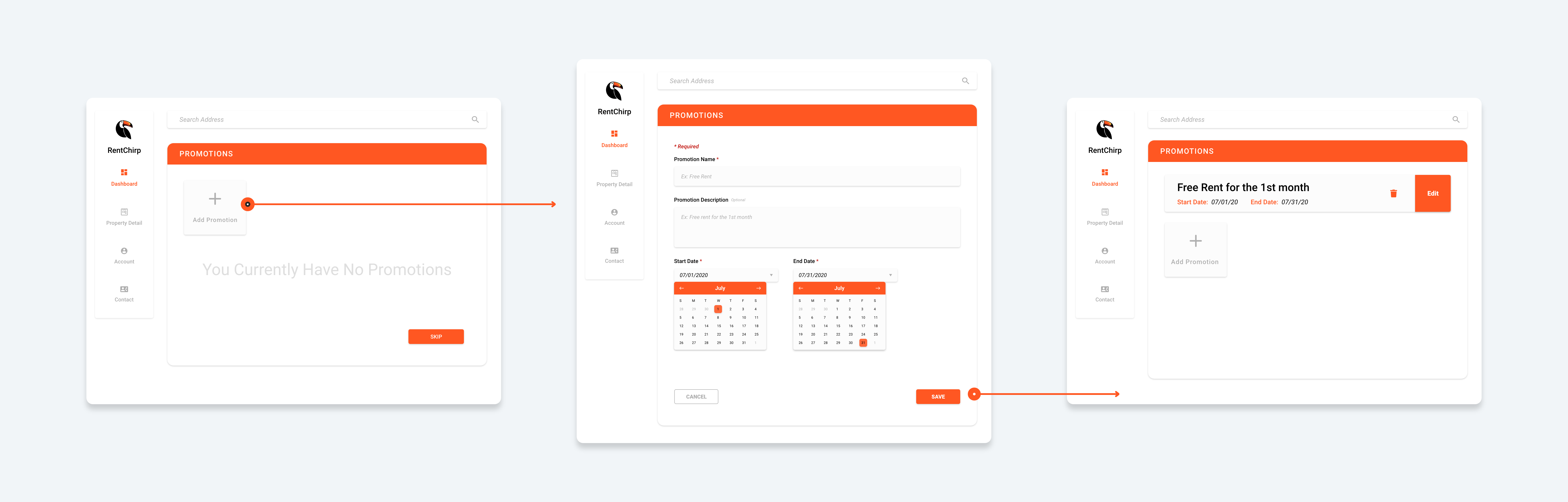
I wanted to keep the amenities and promotions section consistent. Here, Property Manager's are able to set promotions and set a start date and end date.
Conclusion
By implementing different UX design methods, I have created an easy-to-use website for Property Managers, while keeping the user interface clean and minimalistic.
See more projects